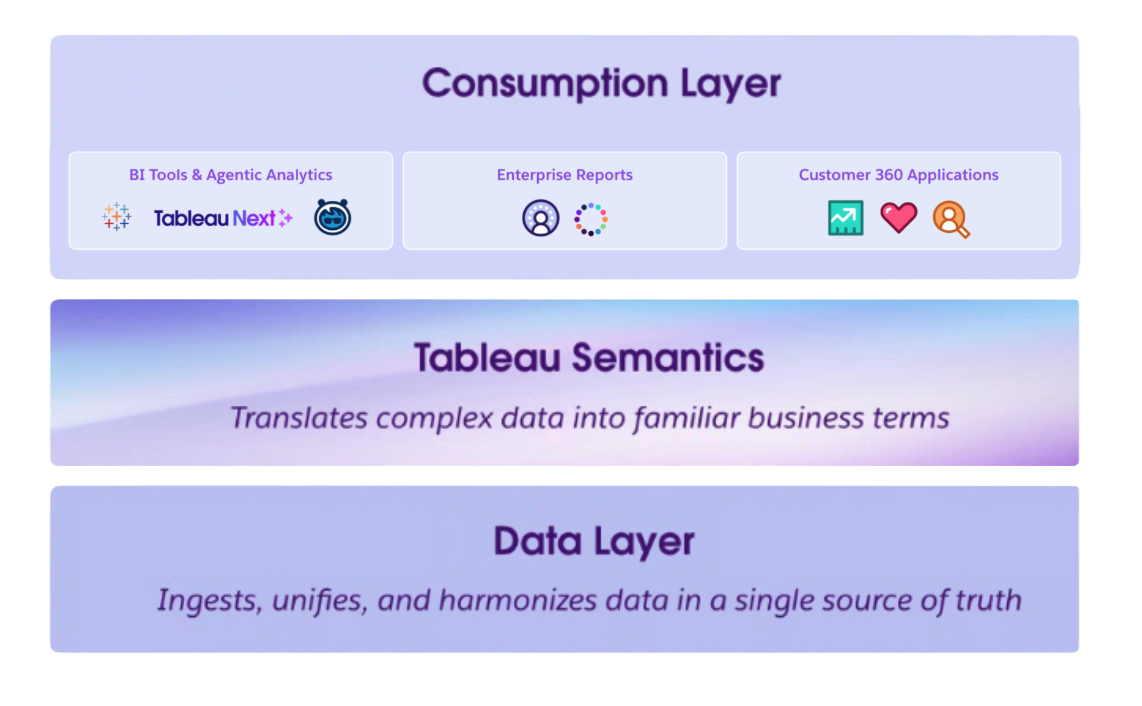
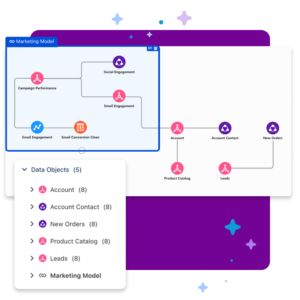
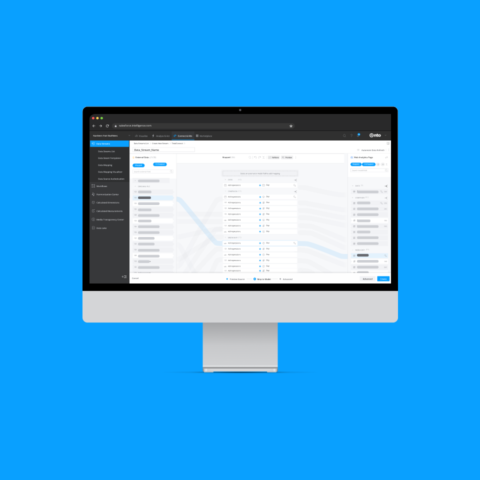
Acting as the essential bridge between raw data and business intelligence, Tableau Semantics transforms complexity into clarity. It provides a foundation of trust through consistency while empowering data analyst users with AI-assisted self-service. It doesn’t just process data; it infuses it with business wisdom to unlock deeper, more relevant insights.
UX Challenges
Tableau Semantics serves as the backbone for trusted data across Tableau Next and Salesforce. The core UX challenge was architecting an ‘Authoring, Foundation & AI’ experience that empowers data analysts to build high-scale models without the typical cognitive tax of enterprise tools.
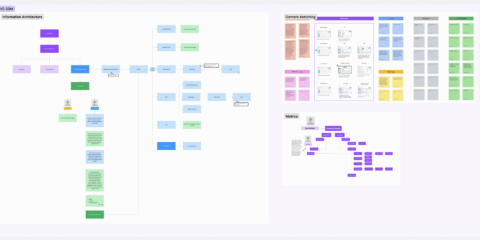
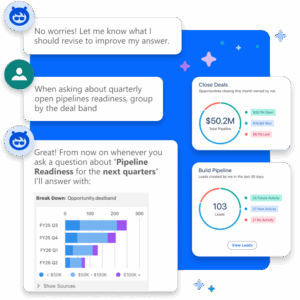
My team’s approach focused on strategic unification, bridging platform silos to create a Single Source of Truth (SSOT). By restructuring the Information Architecture and integrating a Conversational GenAI Entry Point, we successfully reduced the steep learning curve of model building, pivoting the experience from manual configuration to intuitive, intent-based authoring.
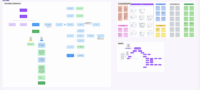
We explored real pain points to design an ideal interaction flow within the Salesforce ecosystem.
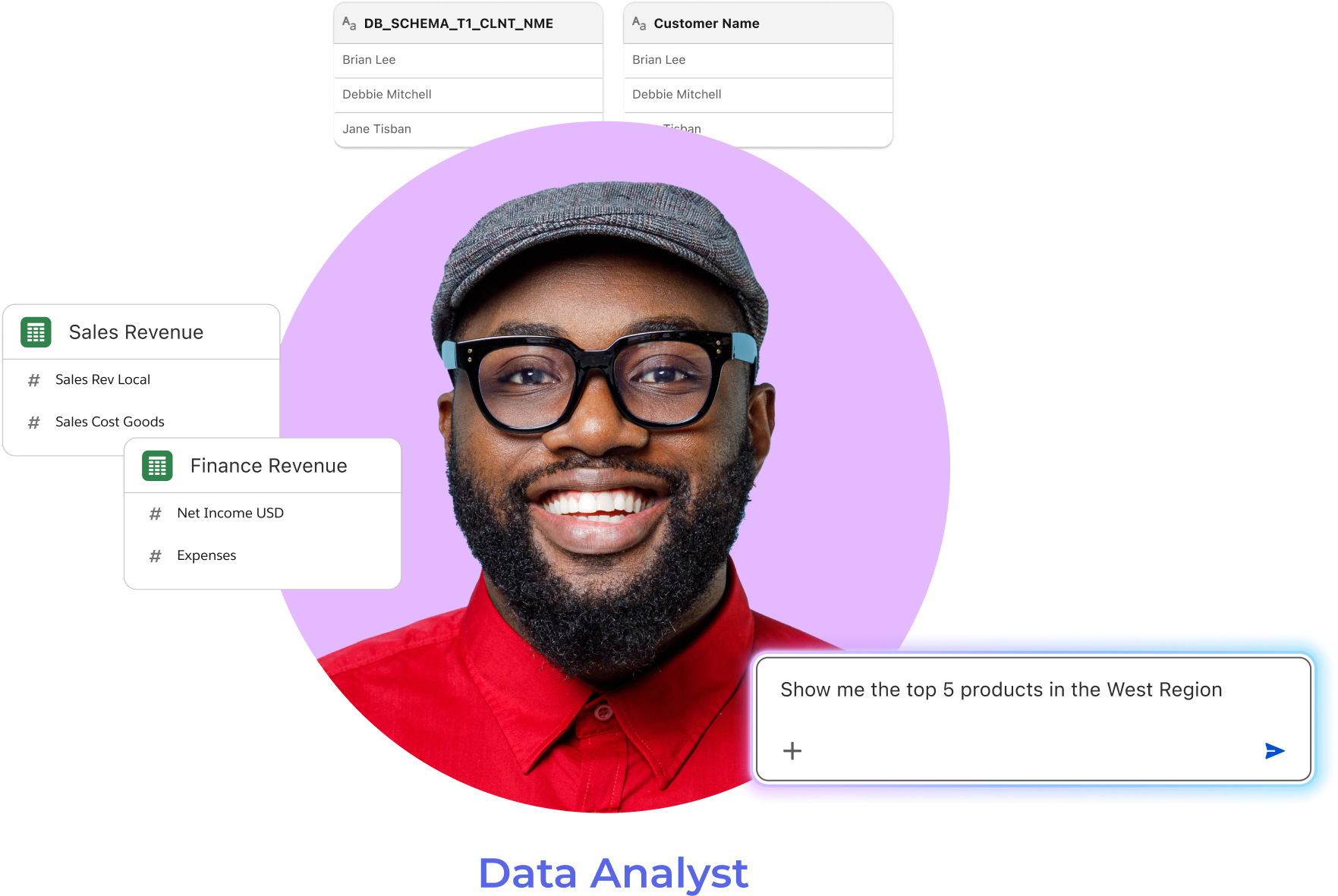
Low productivity from decoding technical field names
Conflicting metric logic across teams
Data models are not self-explanatory for natural-language queries.
The benefits we delivered
Trust at Scale: Established a robust SSOT across disparate consumption layers.
Cognitive Load Reduction: Simplified complex data modeling through conversational design.
Future-Proofing: Enabled a self-service ecosystem optimized for AI-driven insights.
Agentic Research
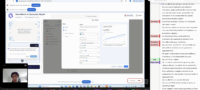
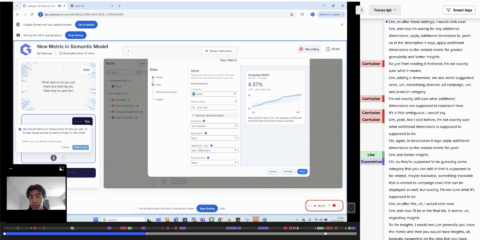
To bridge the gap in end-user validation, I utilized an AI-driven research stack to target expert data analysts:
Genway: Conducted automated 15-minute 1:1 interviews via Figma prototypes. UserTesting: Recruited a specialized audience through targeted screening. NotebookLM: Synthesized transcripts to identify and organize core pain points.
Impact: Validated four complex features with 50 professionals pre-beta. These insights prioritized P0 updates and successfully realigned the product roadmap with user needs.
To ensure a seamless user experience, the team harmonized Salesforce’s existing ecosystem, it’s Salesforce Lightning Design System and universal industry best practices.
Semantic Model Authoring
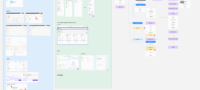
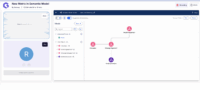
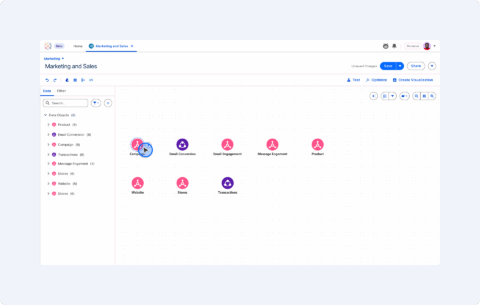
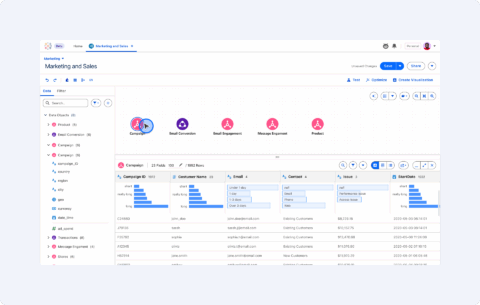
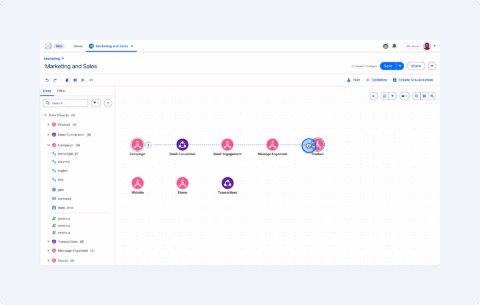
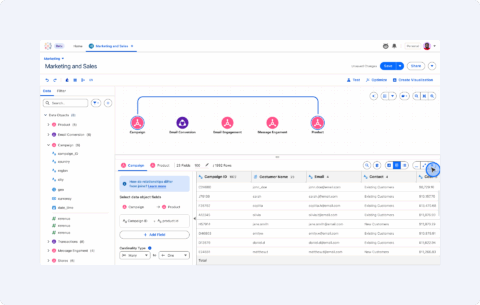
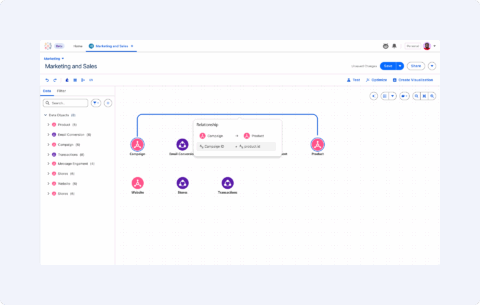
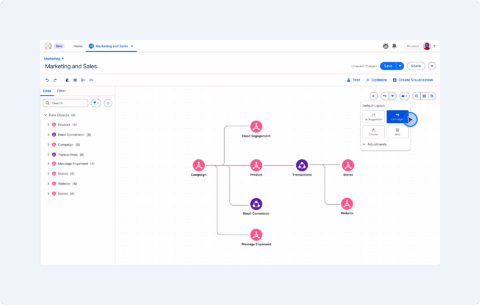
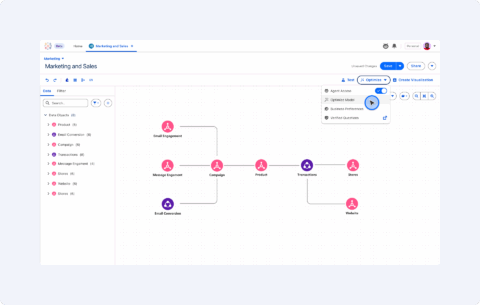
After bringing in the datatables (represented by nodes), the left panel allows users to instantly translate complex technical field names into clear business language (e.g., Customer Name). This functionality, combined with the visual relationship mapping on the main canvas area, eliminates the need to decode cryptic columns or reconcile conflicting data definitions, creating a simpler and more collaborative workflow.
Canvas ⟶
Data Preview ⟶
Relationship ⟶
Creating Relationship ⟶
Relationship Created ⟶
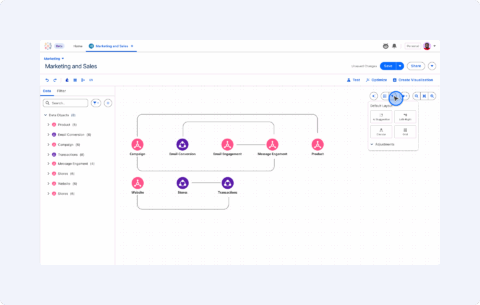
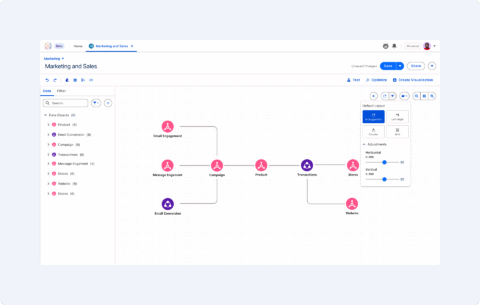
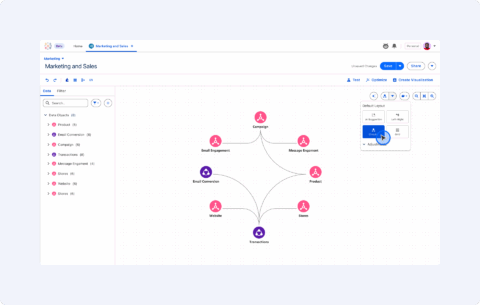
Canvas Layout Options
Canvas Layout: AI Suggestion
Canvas Layout: Left-Right Orientation
Canvas Layout: Circular Orientation
Canvas Interactions Building the canvas experience presented its share of hurdles, but collective problem-solving paved the way for a smoother interface. We’ve refined the canvas many times to eliminate cluttered overlaps and added intuitive hover states for better focus. Navigation is now seamless, with the left panel and canvas working in perfect sync, while our new snap-to-grid feature ensures your diagrams stay crisp and perfectly aligned, even when moving complex connected elements.
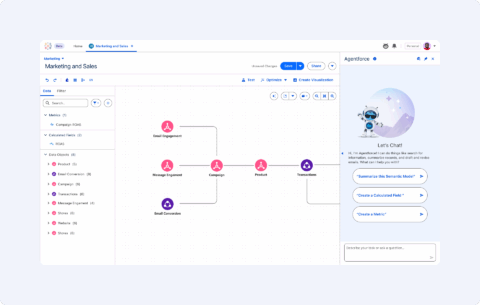
Create Definition →
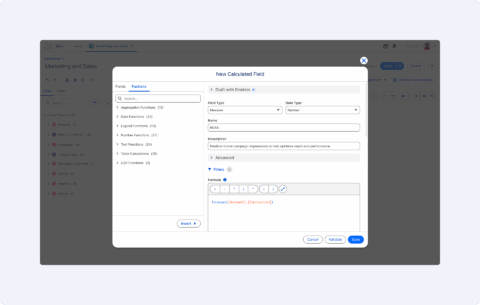
New Calculated Field →
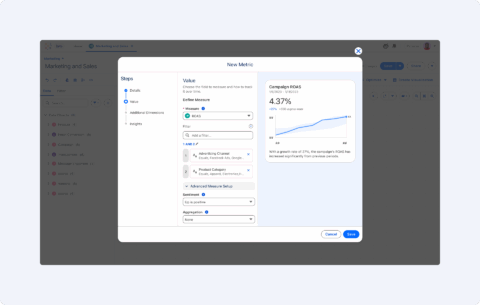
New Metric →
Create Definition from Agent →
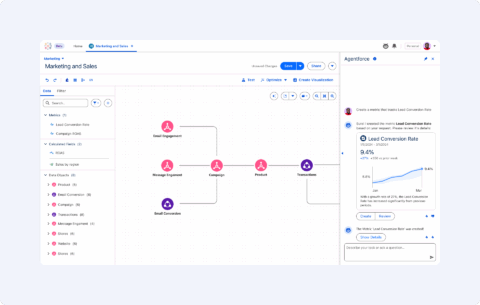
New Metric from Agent
Semantic Model Foundations
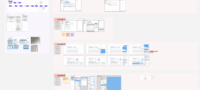
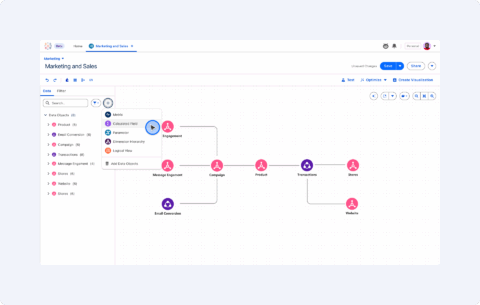
Users may now incorporate definitions into the model, establishing a centralized logic layer for the data ecosystem. By selecting the “New” action button in the upper-left sidebar, users can access a modal to configure critical components such as Calculated Fields, Metrics, Hierarchies, and Logical Views.
Semantic Model AI
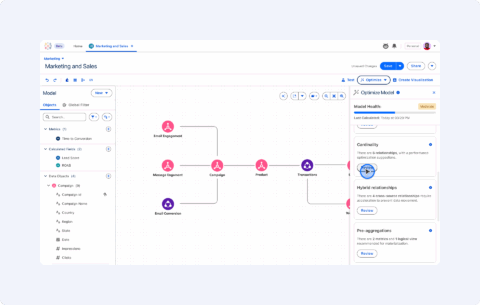
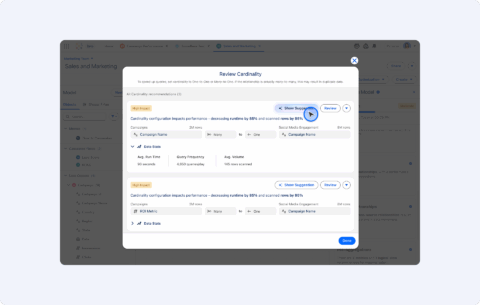
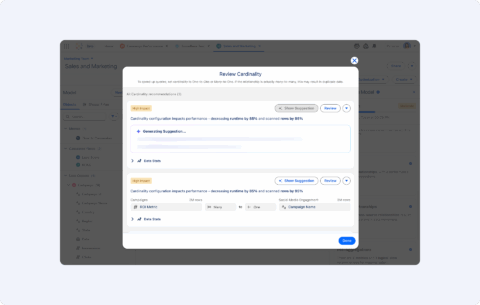
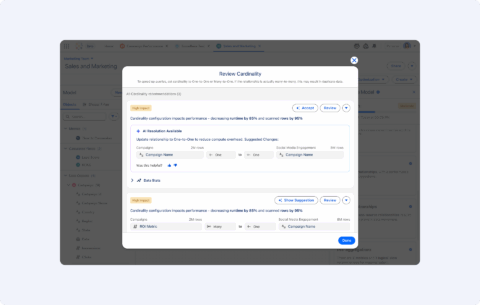
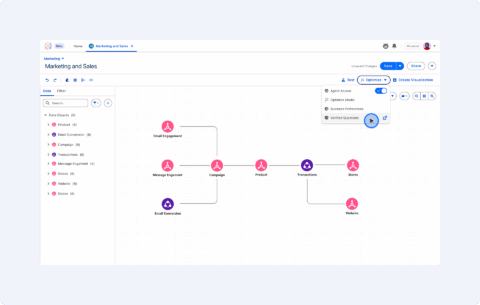
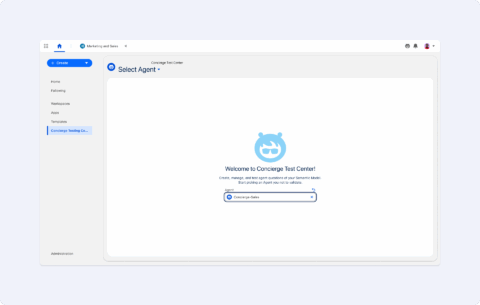
In Tableau Next, the Semantic Model isn’t just a static translator; it’s an active, AI-driven engine. Beyond simply defining fields, the platform introduces a dedicated Model Optimization and AI Testing Center that ensures your data foundation is robust enough to power both human analysis and AI agents.
Optimize Model →
Optimize Model Panel →
Show Suggestion →
Generating Suggestion →
AI Resolution Available →
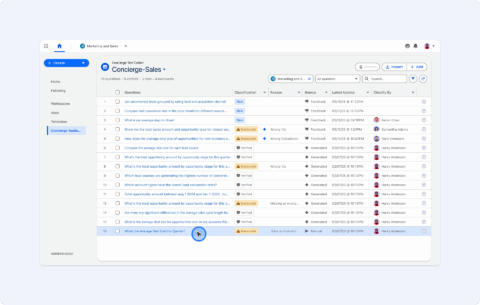
Agent Test Center →
Agent Test Center Option →
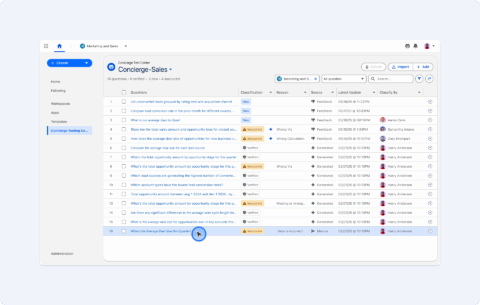
Agent Questions →
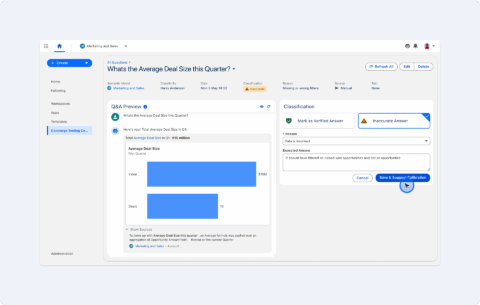
Question Classification →
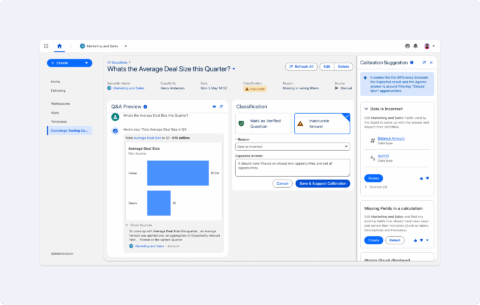
Calibration Suggestion →
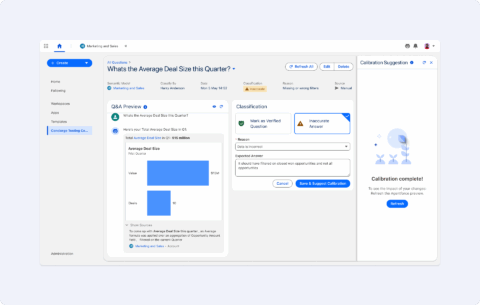
Calibration Suggestion Complete →
Mark as Verified Question →
UX Team Workflow
As part of my responsibilities, I led the creation of an internal workflow for project and task management, developed a design system for the product, established a file structure, conducted both traditional and agentic UX research. and facilitated workshops on AI-driven design workflows.
Design Ops: Strategic Workflow Optimization
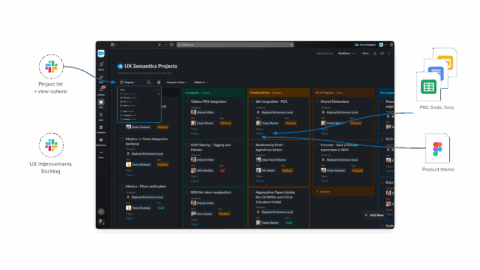
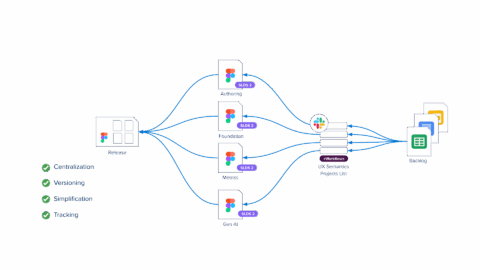
To scale a growing team of six, I spearheaded an operational framework that eliminated fragmented workflows. By architecting a centralized system via Slack Lists and automated workflows, I mapped task ownership to product themes. This reduced communication overhead and provided Product and Engineering partners with real-time visibility into project velocity.
Organization and tracking →
Workflow overview
Component Library →
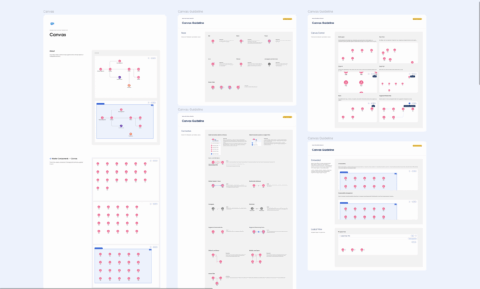
Canvas Guideline →
Library Content
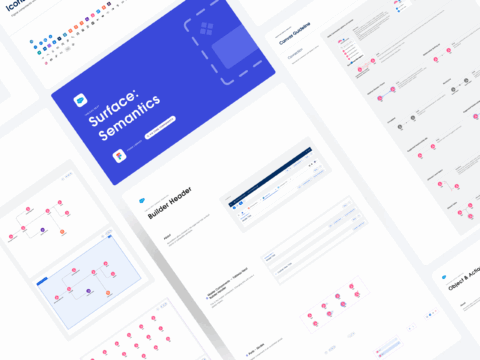
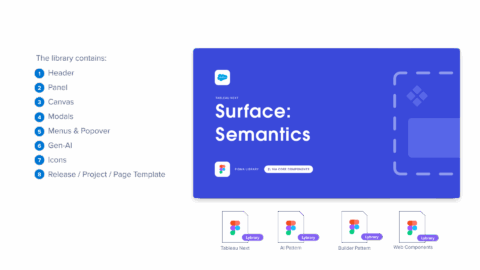
Surface Component Library
I architected a Surface Component Library to balance team-specific needs with the global Salesforce Design System (SLDS). This specialized library hosts unique patterns and templates for the Semantic Design team while maintaining a live link to core components. The result is a ‘Single Source of Truth’ that empowers the team to innovate locally without losing sync with company-wide standards.
Brainstorming and Prototyping with AI
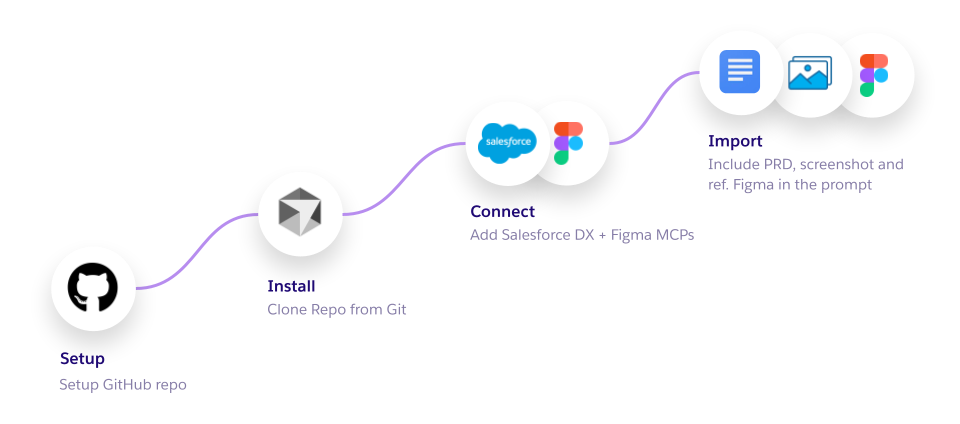
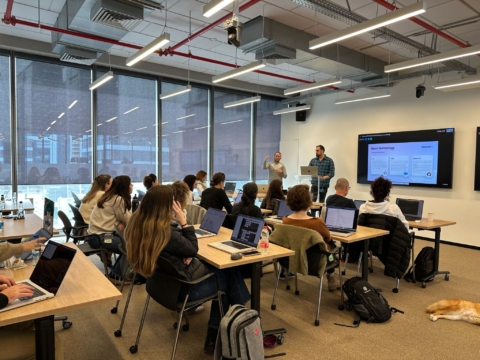
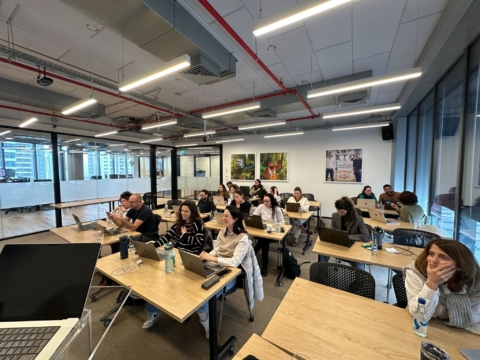
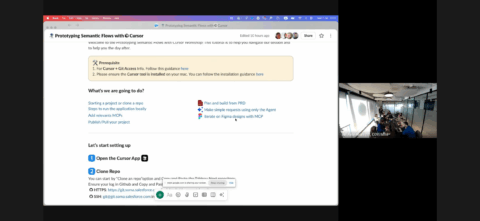
I developed and scaled the “Cursor AI Methodology,” transforming a technical workflow into a cross-functional workshop for UX and Product Management teams.
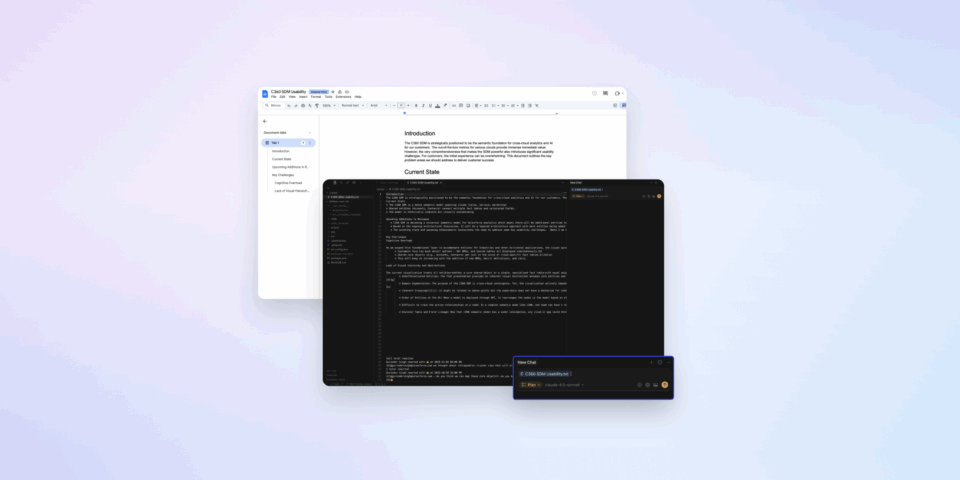
Leveraged the team’s GitHub repository to facilitate Cursor interactions and PRD brainstorming, and I utilized the Figma MCP to bridge the gap between technical documentation and Figma iterations.
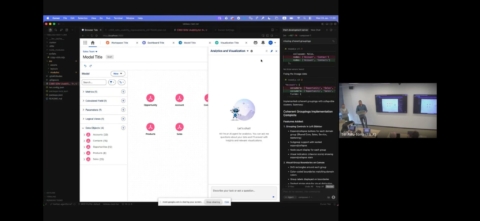
Presented Cursor’s “Figma ability,” which allows it to communicate with Figma to read designs and modify them programmatically. This includes bulk-replacing placeholder text and generating developer hand-off annotations for selected layers.
Led training sessions for PMs and designers on using integrated repositories to accelerate product vision and delivery.